Technical Project Notes
Technical Blog
Technical project notes, build records, deployment details, diagrams, and practical code examples.
- Posts
- 6
- Latest
- 19 July 2026
Latest Post
Building a PoE E-Paper Temperature and Humidity Monitor
Combining an isolated ESP32 PoE board, an SHT40 temperature and humidity sensor, an e-paper display, and a custom 3D-printed enclosure.
Most networked environmental sensors are designed for unattended data collection. This project adds a local display, making the current temperature and humidity visible to anyone in the room while the same measurements continue into the monitoring system automatically.
The sensor is built around an Olimex ESP32-POE-ISO. This ESP32 development board supports Power over Ethernet and provides 3000 VDC galvanic isolation. A single Ethernet cable can therefore provide both power and a reliable network connection, which makes the board a good fit for a wired sensor network.
Sensor and Display Hardware
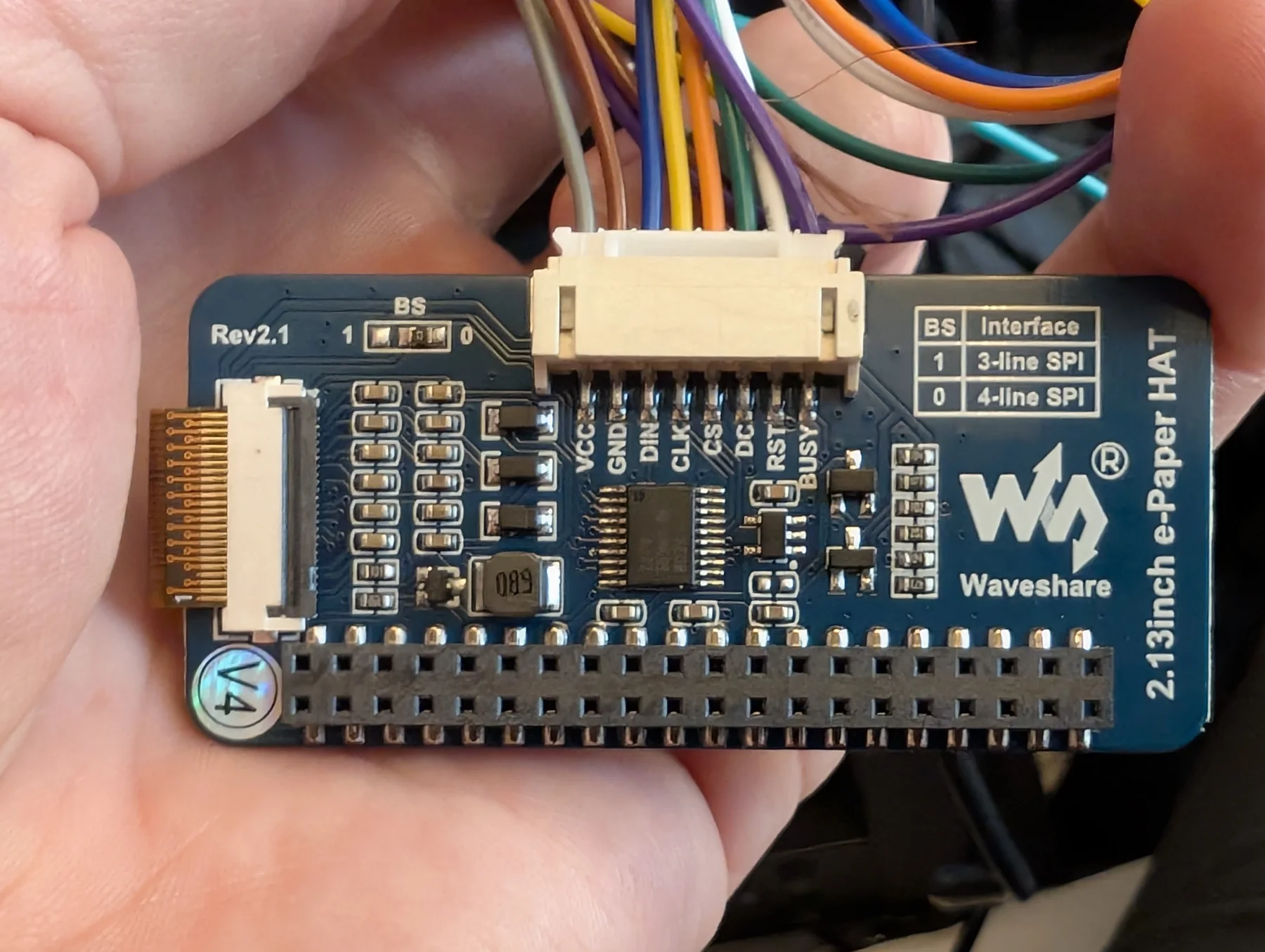
A Sensirion SHT40 connected over I2C measures temperature and relative humidity. A 2.13-inch Waveshare monochrome e-paper display presents the latest values on the front of the enclosure.
E-paper is well suited to this application because it retains the displayed image without continuous screen updates. The display interface connects to the ESP32 over SPI.
Getting the Display Working
During initial testing, the e-paper panel remained completely white. The key fix was selecting the exact panel implementation expected by this Waveshare display:
GxEPD2_BW<GxEPD2_213_B74, GxEPD2_213_B74::HEIGHT>
    display(GxEPD2_213_B74(EPD_CS, EPD_DC, EPD_RST, EPD_BUSY));
Waveshare produces several visually similar 2.13-inch panel revisions, but they do not necessarily use the same controller or initialization sequence. Selecting GxEPD2_213_B74 matched this panel and allowed it to refresh correctly.
Once the correct panel driver is initialized, GxEPD2 uses a paged rendering sequence to construct and send the complete screen image:
display.setFullWindow();
display.firstPage();

do {
  display.fillScreen(GxEPD_WHITE);
  display.drawRect(0, 0, display.width(), display.height(), GxEPD_BLACK);
  // Draw the temperature and humidity text.
} while (display.nextPage());

display.powerOff();
The drawing operations must remain inside the firstPage() and nextPage() loop so that every section of the display buffer is rendered. After the update, powerOff() switches off the display electronics while the e-paper panel continues to retain the image.
Firmware Behaviour
The firmware disables Wi-Fi and Bluetooth, initializes wired Ethernet, and sends each valid SHT40 measurement to the sensor server over UDP. A watchdog monitors the main task and restarts the controller if execution stalls.
Data is measured and reported every minute. The display is refreshed immediately after startup and then once every 15 minutes. This keeps remote monitoring responsive without redrawing the e-paper panel for every transmitted sample.
The two schedules are controlled independently:
constexpr uint32_t REPORT_INTERVAL_MS = 60UL * 1000UL;
constexpr uint32_t DISPLAY_INTERVAL_MS = 15UL * 60UL * 1000UL;

if (reportDue) {
  sht40.measureHighPrecision(temperature, humidity);
  sendMeasurementUdp(temperature, humidity);

  if (displayDue) {
    showMeasurements(temperature, humidity);
  }
}
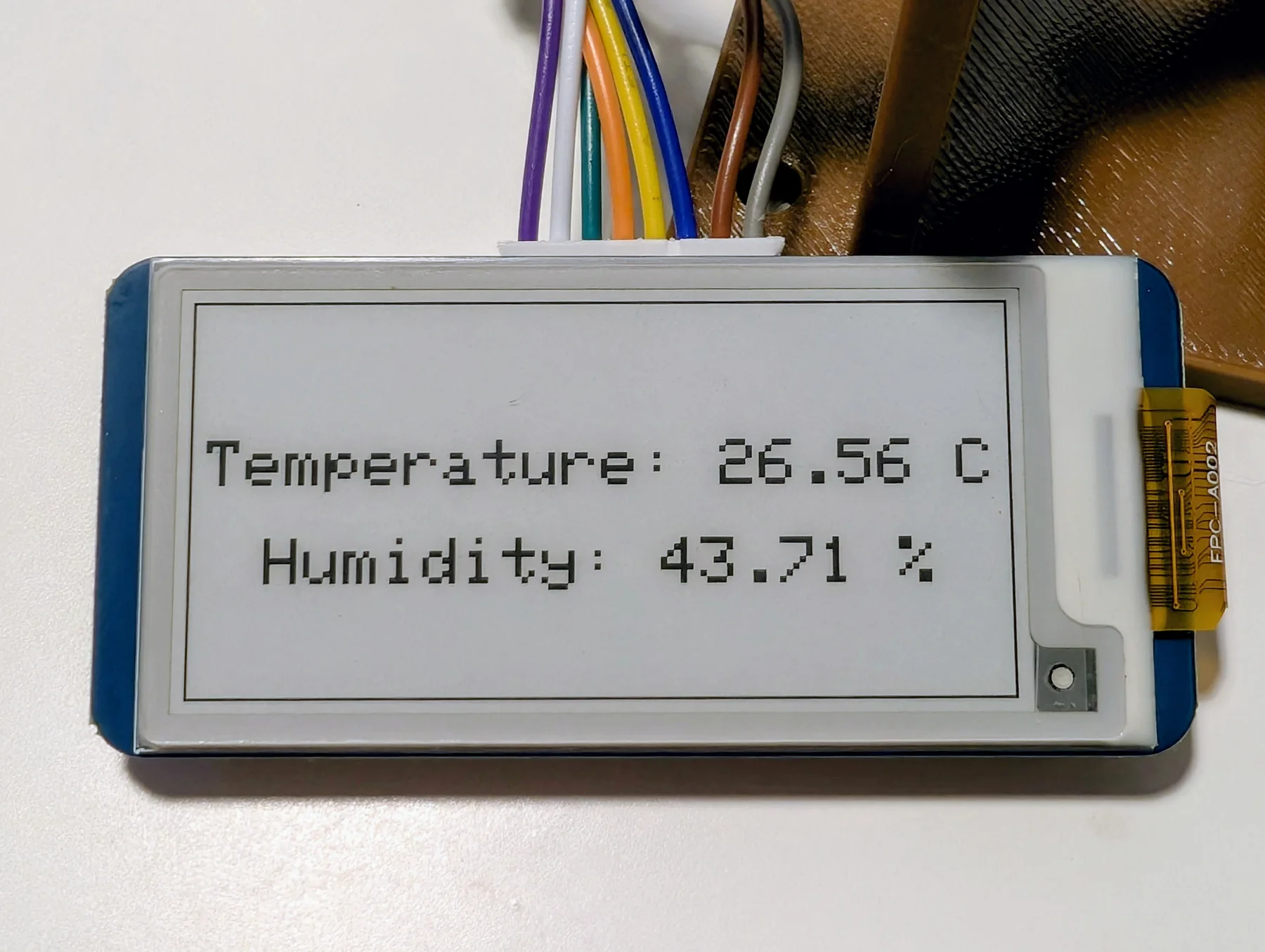
The e-paper screen shows temperature and humidity as two large lines inside a simple border. Network reporting continues between display refreshes, so the historical data has one-minute resolution while the local reading changes at a calmer interval.
Modelling the Enclosure
The enclosure was modelled in Blender around the dimensions of the PoE board, display, sensor, and internal wiring. The front includes an opening for the e-paper panel, while the upper section is ventilated to allow room air to circulate.
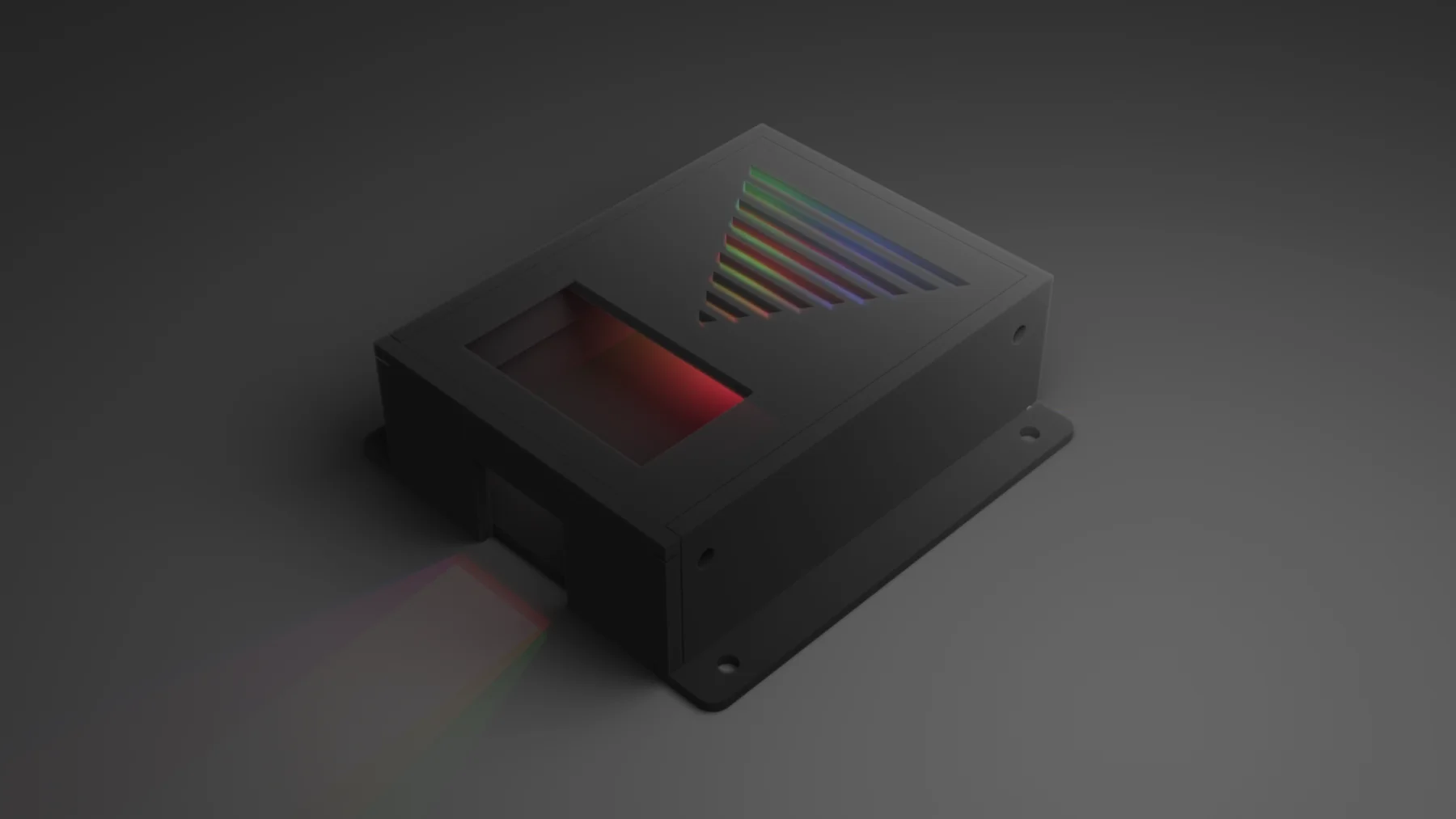
The finished model was exported and prepared for printing in PrusaSlicer.
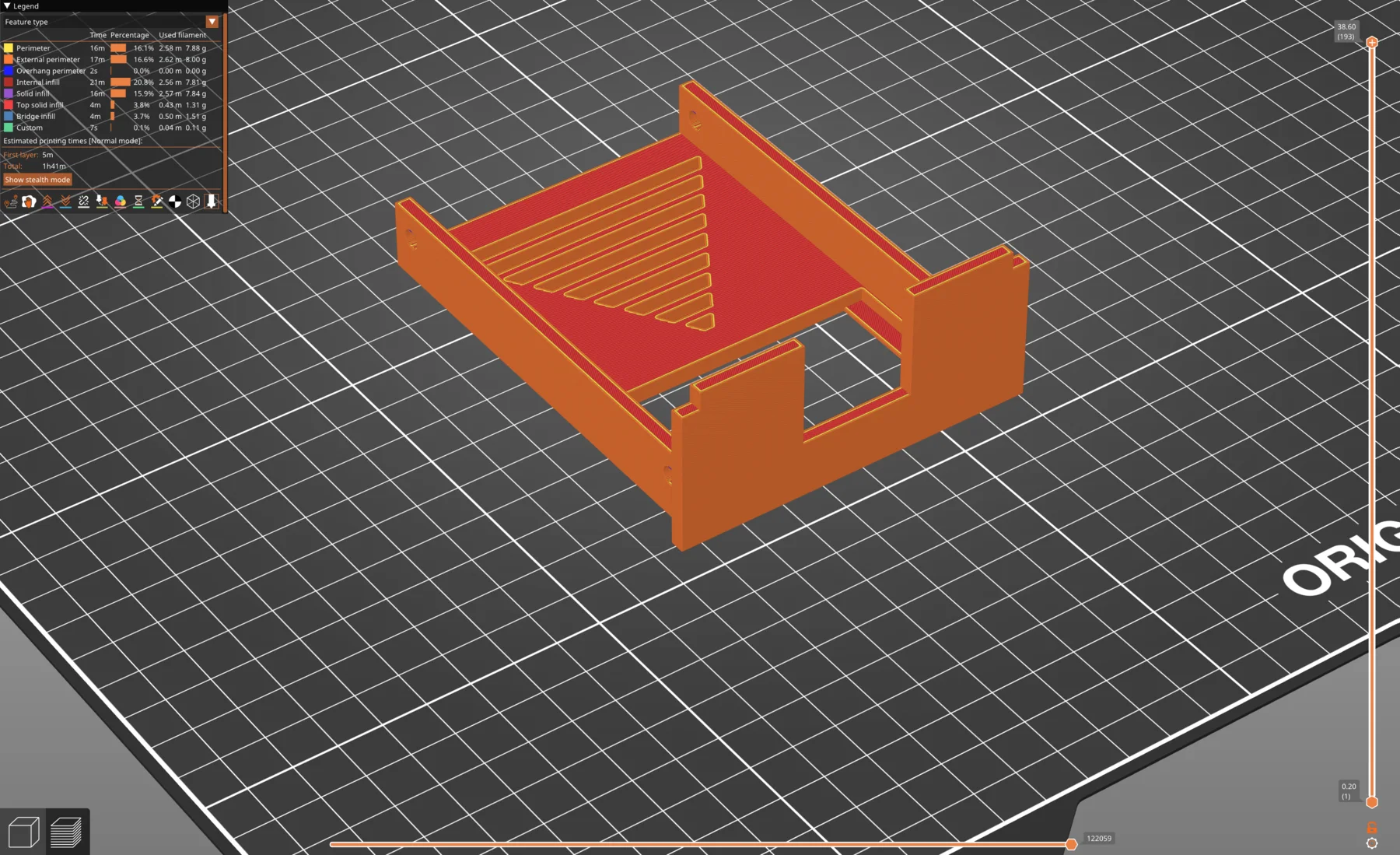
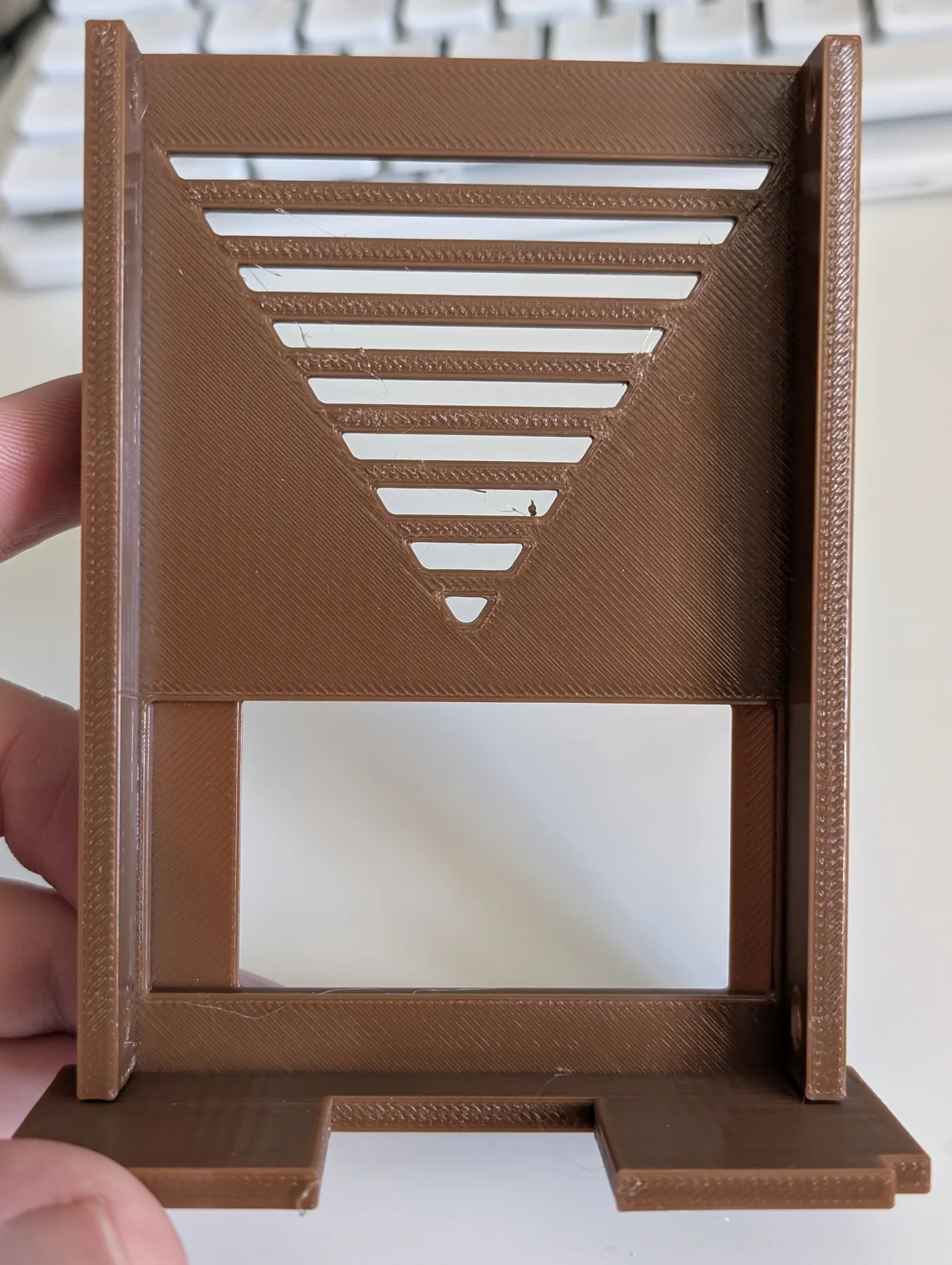
The printed lid combines the display opening, ventilation slots, and the rails and edges needed to locate it against the main enclosure.
Assembly
A close-up of the powered display shows the temperature and relative-humidity readings before the panel is fitted into the enclosure.
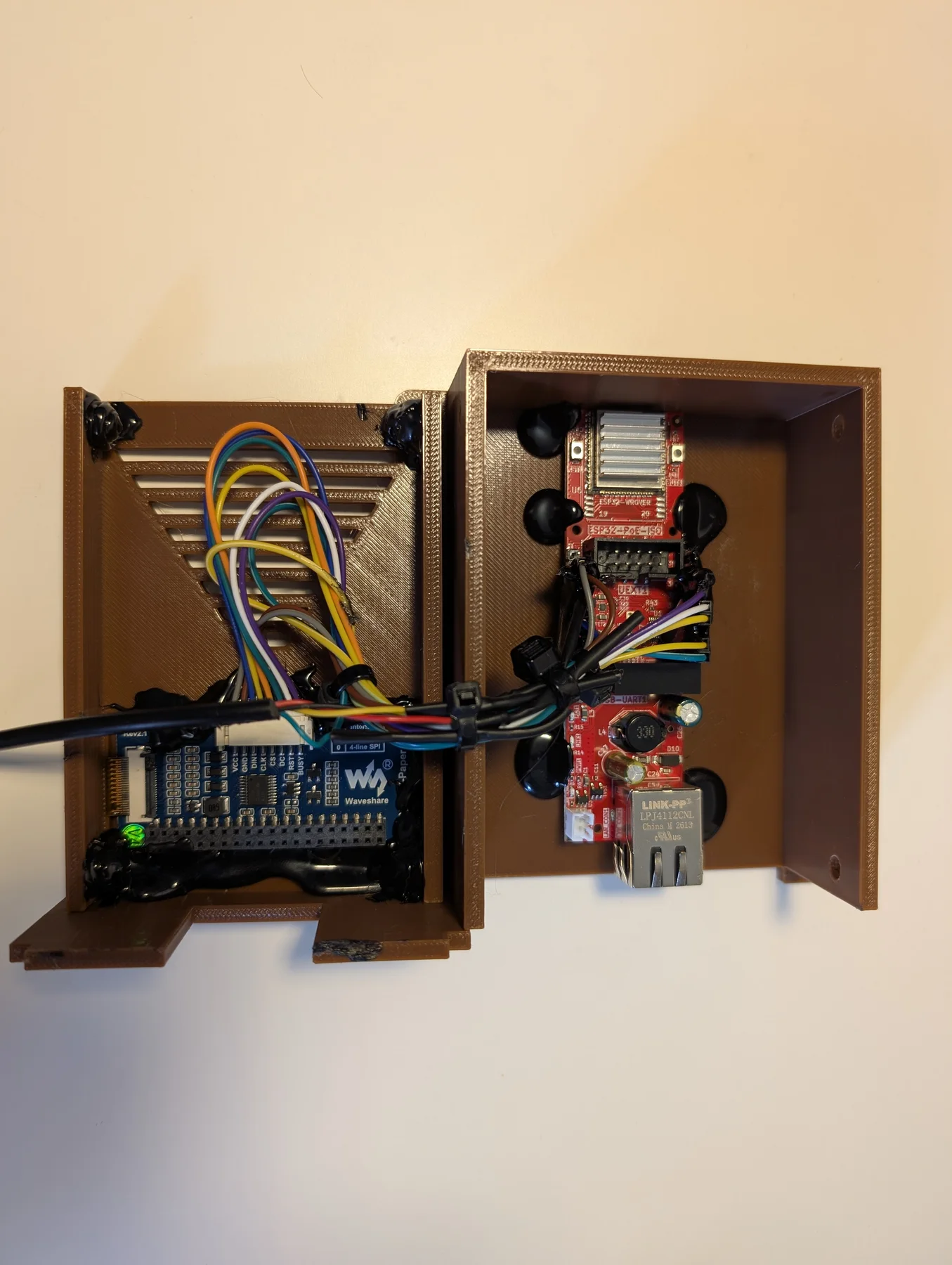
The ESP32-POE-ISO, e-paper interface, and wiring were mounted inside the printed enclosure. The layout leaves the Ethernet connector accessible and routes the display and sensor connections into the lid.
Once assembled, the unit becomes a self-contained room sensor: connecting one PoE Ethernet cable powers the system, places it on the wired sensor network, and starts both local display updates and automatic data collection.
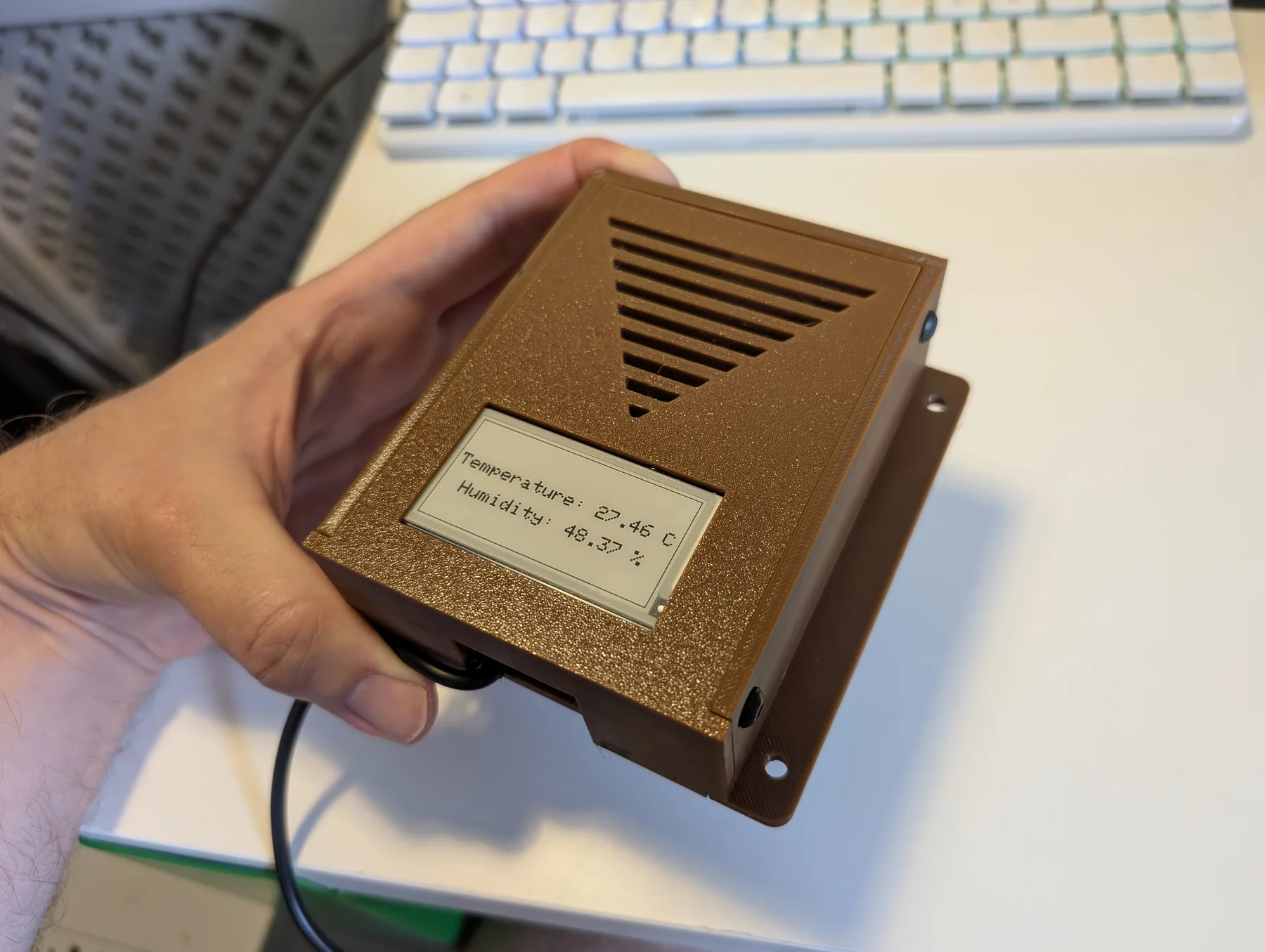
The result combines the two useful views of environmental monitoring. The e-paper panel provides an immediate reading in the room, while the one-minute network reports preserve a more detailed history for graphs and longer-term analysis.
Archive
All Posts
6 total
- Building a PoE E-Paper Temperature and Humidity Monitor
Combining an isolated ESP32 PoE board, an SHT40 temperature and humidity sensor, an e-paper display, and a custom 3D-printed enclosure.
- Building a Resilient, Local-First Sensor Network
How a local-first sensor network keeps collecting through internet outages, synchronizes every minute, processes history centrally, and publishes safely through Cloudflare.
- Controlling Raspberry Pi 500+ RGB Keyboard Lights
Using Python to control individual Raspberry Pi 500+ keyboard LEDs for visual effects and functional notifications.
- Indoor Temperature and Humidity Sensors
Building compact wired and wireless sensors for monitoring indoor temperature and humidity.
- 3D-Printed 19-Inch Network Panel
Integrating several compact switches into a 19-inch rack panel.
- Crystal Adventures
A Blender short-film experiment combining crystal materials, a fluid-simulated waterfall, volumetric lighting, smoke effects, and a 3D-printed crystal light.